

The world of technology is always changing, and in 2026, one of the biggest changes is how different Artificial Intelligence (AI) tools are starting to work together.

We’re seeing more than just single AI programs doing one job. Now, we have what’s called a ‘smart AI’ ecosystem.
What is a Smart AI Ecosystem?
Think of it like a team of helpers. Before, you might have had one AI helper that could only sort emails. That was a standalone AI. But a smart AI ecosystem is when many AI helpers work together on different tasks, sharing information and learning from each other. For example, one AI might sort your emails, another might suggest answers, and a third might schedule your meetings based on those emails. All these examples of AI are connected, making work smoother and smarter.
This is different from just using one AI tool on its own. Instead of isolated AI deployments, where each AI solution acts alone, a smart AI ecosystem connects them all. It’s like upgrading from a single flashlight to a whole house with smart lighting and security systems that talk to each other. These connected AI solutions create a much more powerful system for companies. In fact, many companies are already moving this way. A 2026 report called The State of AI in the Enterprise shows that worker access to AI tools grew by 50% in 2025 alone, with many businesses scaling up their AI projects.
Challenges with Smart AI for Work
Even though smart AI is very promising, it brings new puzzles for leaders and business owners. When many AI tools need to work together, managers have to think about:
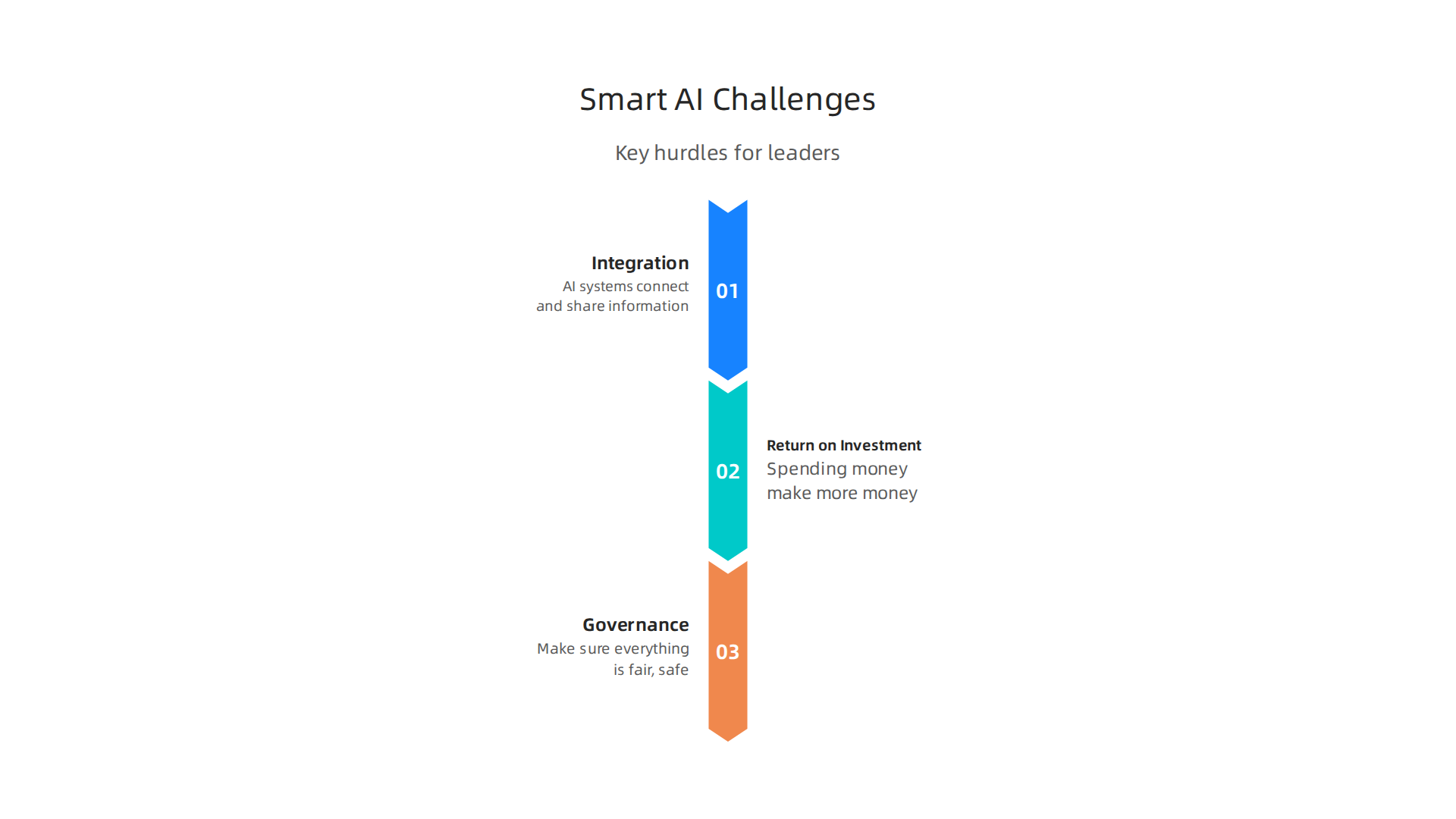
- Integration: How do all these different AI systems connect and share information without breaking? It can be tricky to get them to "talk" to each other smoothly.
- Return on Investment (ROI): Businesses want to know if spending money on a smart AI ecosystem will actually make them more money or save them a lot of time. They need to see a clear benefit.
- Governance: With many AIs working at once, how do companies make sure everything is fair, safe, and follows the rules? It’s important to have clear guidelines for how these powerful tools are used.
Understanding these challenges and finding ways to solve them is key for any business looking to use smart AI for work in 2026 and beyond. Staying updated on these fast changes is vital.
Want to keep up with the latest in smart AI and other tech trends? Get clear daily AI updates from The AI Newsletter Worth Reading.
After looking at the tough parts of using smart AI for work, it’s helpful to understand what makes these systems tick. A smart AI ecosystem isn’t just one big piece of software. It’s built like a tall building, with different floors, or "layers," each doing a special job. These layers work together to make the whole system smart and useful for businesses.
Let’s look at the main layers that form the backbone of a robust smart AI setup:
Data Foundation Layer
This is the very bottom layer, like the ground floor of our building. It’s where all the data lives. Think of it as the storage unit for every piece of information the AI needs to learn and make decisions. This data can be anything from customer names to sales figures to pictures or sounds. For any AI solution to be smart, it needs a lot of good, clean data. In 2026, companies are really focusing on strong data foundations and infrastructure to make sure their AI systems have the best start.
Models & Algorithms Layer
Right above the data foundation, we have the "brains" of the AI. This layer holds all the special programs and rules, called models and algorithms, that allow the AI to think and act. These are the programs that learn from the data to spot patterns, predict things, or complete tasks. There are many types of artificial intelligence, and each model is designed for a specific kind of thinking.
Orchestration Layer
This layer is like the central manager. It makes sure all the different AI models and other parts of the system talk to each other correctly. It’s the traffic cop that guides information between different examples of AI and decides which AI should work on what task at any given moment. This layer is key for making sure the whole smart AI ecosystem runs smoothly and efficiently.
Edge/Cloud Integrations Layer
This layer deals with where the AI actually does its work. Some AI tasks need to happen very fast, right where the action is (this is called "edge" computing). Other tasks need huge amounts of power and data storage, which happens in big data centers (this is called "cloud" computing). This layer connects the AI to sensors, devices, and other computer systems, letting it gather new information and deliver its results to the real world. Many companies are now using real-time AI to make quick decisions.
Business Applications Layer
Finally, at the top, we have the business applications. This is the part that people in a company actually use every day. It’s the face of the smart AI for work. For instance, this could be an AI assistant that helps customer service, a tool that predicts what products customers will buy, or software that automates repetitive office tasks.
Why Modular Components Matter
Having these clear, separate layers is super important. It means each part of the smart AI system can be changed or updated without messing up everything else. This makes the system:
- Scalable: It’s easy to add more AI power or more data as a business grows. You can just build up one layer without rebuilding the whole thing.
- Observable: If something goes wrong, it’s easier to find which layer has the problem. This helps fix issues faster.
- Governable: Having clear layers makes it simpler to set rules and make sure the AI is used fairly and safely. This is especially important for AI policy and trust.
Understanding these core layers helps businesses see how a smart AI ecosystem can be built in a way that is strong, flexible, and ready for future changes. In fact, research shows that there are eight essential AI layers that help organize these complex systems for better results.
Understanding how smart AI is built with its different layers helps us see how it works in real life. Now, let’s look at how these AI solutions are changing different parts of business operations right now in 2026. Businesses are using smart AI in many ways to make things better and get good results. In fact, many companies are now scaling AI, with nearly 40% of organizations adopting it across their business, showing a strong move beyond just trying it out.
Smart AI for Sales Teams
Sales teams are using smart AI to find new customers and sell more. Here’s how:
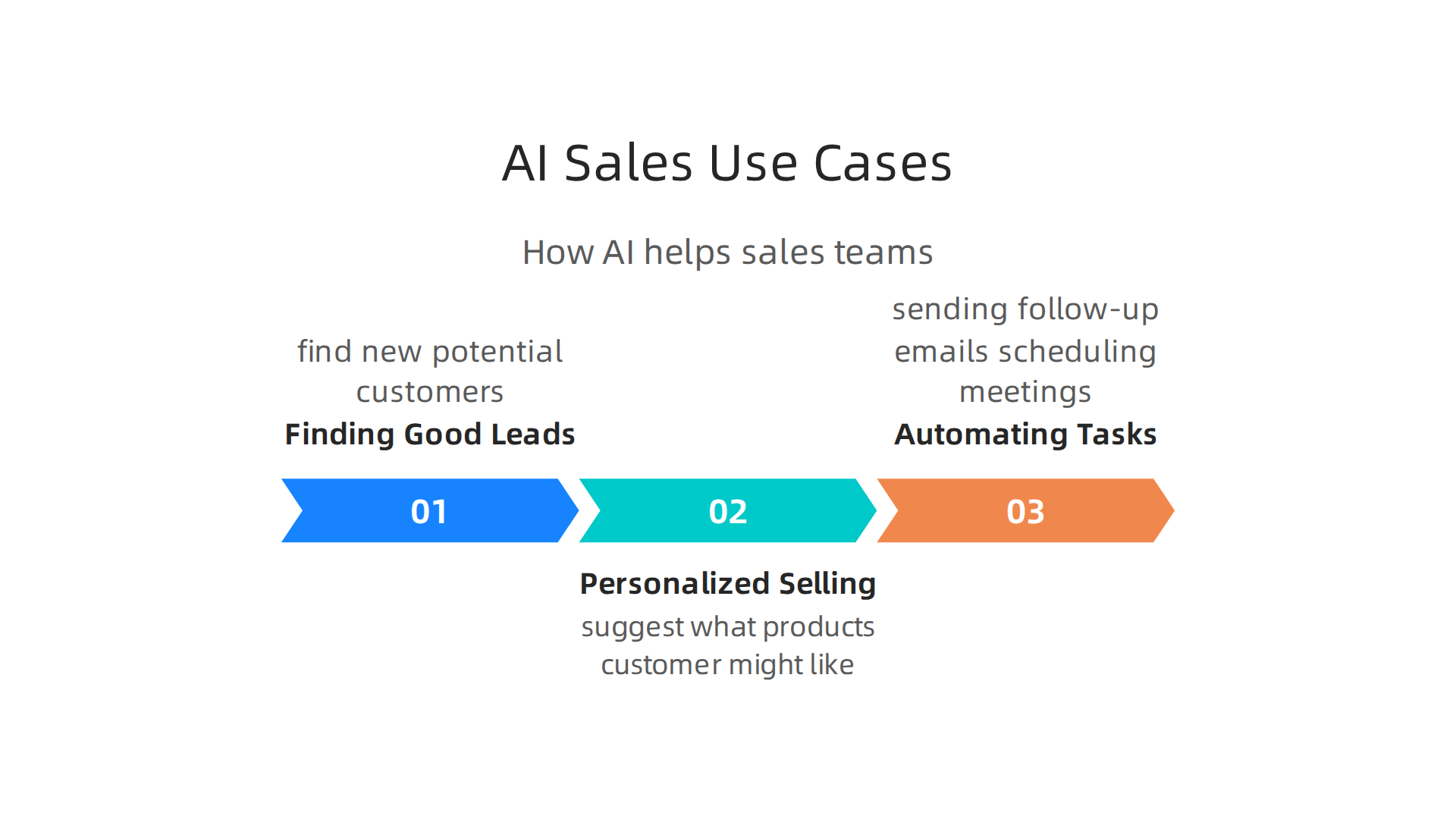
- Finding Good Leads: AI can look at lots of data about past customers and market trends. It then helps sales people find new potential customers who are most likely to buy. This saves time and makes sales efforts more focused.
- Personalized Selling: A smart AI system can suggest what products or services a customer might like based on their past actions or interests. This helps sales reps offer the right things to the right people. For example, some companies use AI to recommend products to users based on their browsing history, leading to more sales.
- Automating Tasks: Simple tasks like sending follow-up emails or scheduling meetings can be handled by AI. This frees up sales people to spend more time talking to customers and closing deals.
These examples of AI help businesses make more money by making sales smarter and faster.
Smart AI for Operations (Ops)
Operations cover everything that keeps a business running smoothly. Smart AI helps here by making things more efficient:
- Better Planning: AI can predict what products will be in demand or what resources a company will need. This helps avoid having too much or too little of something. For instance, some platforms use AI for demand forecasting and managing inventory.
- Automating Work: AI can take over repetitive jobs in factories, warehouses, or offices. This includes things like sorting items, checking quality, or handling data entry.
- Checking Equipment: Smart AI can keep an eye on machines and tell when they might break down. This helps businesses fix problems before they happen, saving money and avoiding delays.
Using AI for work in operations makes businesses run smoother and cost less.
Smart AI for Customer Experience
Keeping customers happy is key, and AI is a big help:
- Chatbots and Virtual Assistants: Many companies use AI chatbots that can answer common questions quickly, day or night. This means customers get help right away without waiting. For example, AI chatbots can handle password resets or order status questions.
- Personalized Support: When a customer calls, AI can quickly bring up all their past interactions and information. This helps human agents provide faster, more helpful service.
- Feedback Analysis: AI can read customer reviews and comments to understand what customers like and don’t like. This helps businesses improve their products and services.
These AI solutions make customers feel more valued and happy.
Smart AI for Security
Protecting a business from threats is very important. Smart AI helps with this too:
- Spotting Threats: AI can watch computer networks for unusual activity that might mean a cyber attack. It can spot things that humans might miss.
- Stopping Fraud: In banking, AI can quickly see if a credit card transaction looks fake. This helps prevent money from being stolen.
- Protecting Data: AI can help make sure important company information is kept safe from unauthorized access.
By using smart AI, companies can be much safer from different dangers. Reports show that around 60% of workers in 2026 now have access to approved AI tools, which is a 50% increase in just one year, showing how widely AI is being used to improve various business functions including security. To keep up with all the fast changes in AI and technology, many professionals rely on trusted sources.
Get clear daily AI updates from [The AI Newsletter Worth Reading](https://subscribe.thedeepview.com/subscribe?utm_term=latesttechnologytrends.com).
To make sure that smart AI works well and is fair, businesses need to have good rules for how they handle data and how they manage the AI itself. This is called data strategy and governance. Think of it like baking a cake. You need good ingredients (data) and a good recipe with clear steps (governance) to get a tasty result.
Data Requirements for Smart AI
First, let’s talk about the data that smart AI uses. Just like a baker needs fresh, clean ingredients, AI needs good data to learn from.
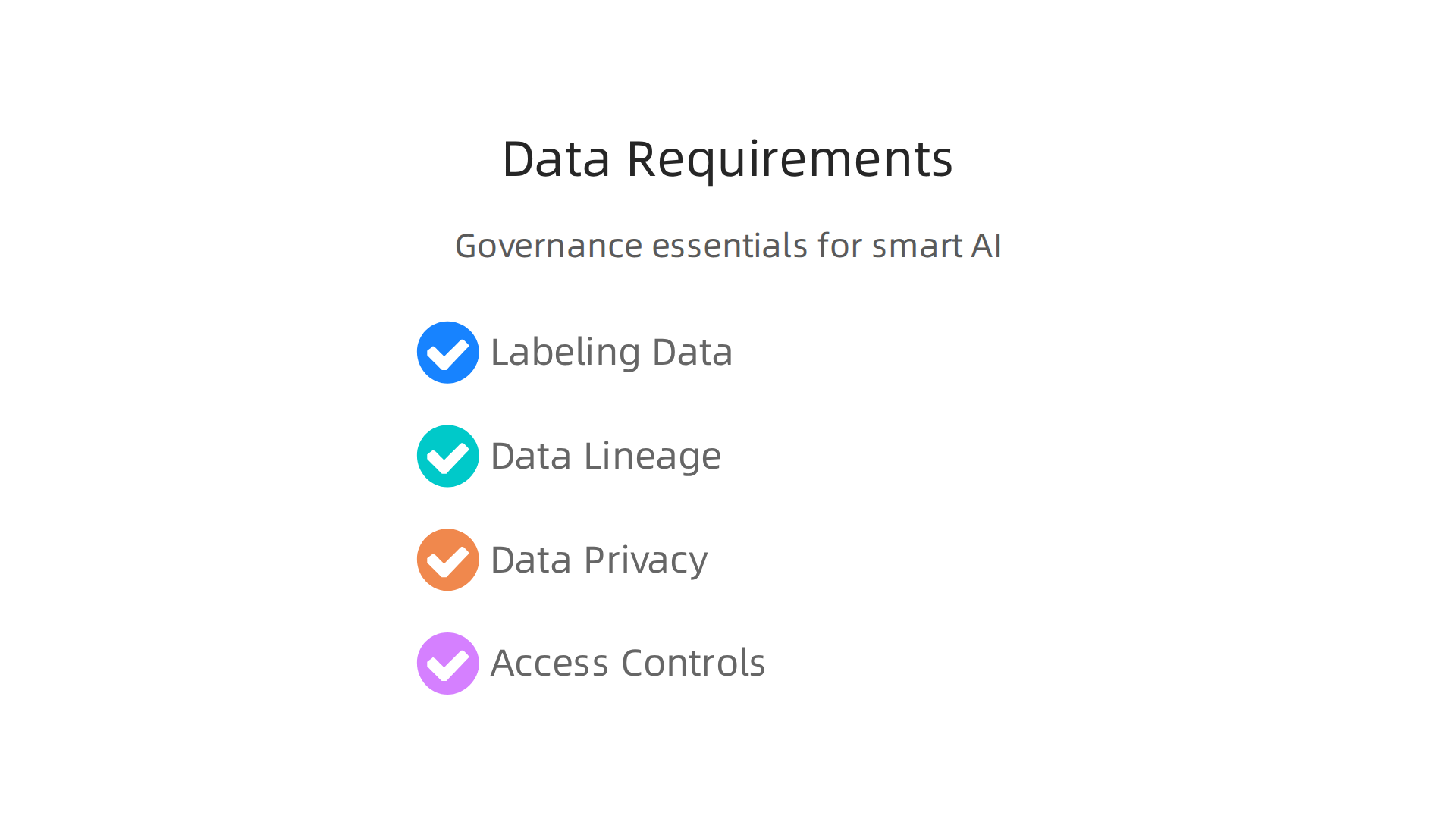
- Labeling Data: AI learns from examples. For example, if you want AI to spot cats in pictures, you need to show it many pictures of cats and label them "cat." This labeling makes sure the AI knows what it’s looking for. Good, clear labels are super important for AI to be smart and correct.
- Data Lineage: It’s important to know where your data comes from. Is it from a trusted source? Is it old or new? This "lineage" helps make sure the data is reliable.
- Data Privacy: Many types of data hold private information about people, like their names or what they like to buy. Companies must keep this data safe and private. This means following strict rules to protect people’s information.
- Access Controls: Not everyone should be able to see or use all the data. Access controls mean only the right people can get to certain information. This helps keep data safe and makes sure it’s used properly when building AI solutions.
Governance and How to Keep AI Working Well
Once you have good data, you need rules and ways to check on your AI. This is like having a manager who makes sure everyone follows the rules and does their job right.
- Rules for Using AI: Businesses need clear rules for how they build and use smart AI. This includes what kind of data AI can use and what it should not do. Having these rules in place helps make sure AI is used in a fair and helpful way. One important part of this is thinking about how different computer systems and AI programs can work together. Experts are looking at how to make "AI-Augmented Ecosystems" where many AI systems can talk to each other correctly and securely, which also needs good architecture rules to be in place for rethinking architecture documentation for AI-Augmented Ecosystems.
- Checking for Risks: Sometimes, AI can make mistakes or be unfair if the data it learned from wasn’t perfect. Good governance means regularly checking for these risks, like bias in the AI’s decisions, and fixing them quickly.
- Watching AI Performance (Model Drift): AI models can change over time. What worked well last year might not work as well this year because the world changes. This is called "model drift." Businesses need to watch their AI to see if it’s still doing its job correctly. If the AI starts to perform worse, they need to update it. This is a key part of using AI for work in a reliable way.
- Measuring Success: It’s important to know if the AI is actually helping the business. This means setting clear goals and measuring if the AI reaches them. For example, if an AI is supposed to make customer service faster, you’d measure how much time it saves. Also, making sure different AI systems and APIs (Application Programming Interfaces) can work together is vital. These API ecosystems in the age of artificial intelligence help different programs share information smoothly. To learn more about setting up rules for AI, check out this guide on AI policy for business compliance and trust.
By setting up strong data strategies and governance, companies can make sure their examples of AI are not only powerful but also reliable and fair.
After setting up strong rules and making sure your data is good, the next big question for smart AI is: where does it actually live and run? This is about choosing the best deployment model.

Think of it like deciding if your new factory should be in a big city, out in the countryside, or a mix of both. Each choice has its own good and bad points, especially when we talk about how fast the AI works, how private your information stays, how much it costs, and how easy it is to keep running.
Deployment Models: Cloud, Edge, and Hybrid Smart AI
There are three main ways to deploy, or set up, your smart AI solutions: in the cloud, at the edge, or using a mix of both (hybrid). Each option changes how your AI acts and what it’s best for.
Cloud-Based AI
Cloud AI means your smart AI lives on big servers owned by companies like Google, Amazon, or Microsoft.
- Pros: It’s super powerful and can handle huge amounts of data. You don’t have to worry about maintaining the hardware. It’s easy to scale up or down as needed. Many powerful examples of AI are run this way.
- Cons: Data has to travel to and from the cloud, which can make the AI slower. This delay is called "latency." Also, keeping private data safe when it’s stored far away in someone else’s cloud needs careful planning. Costs can also add up if your AI is used a lot.
Edge AI
Edge AI means the smart AI lives closer to where the data is made, like on a security camera, a smart factory robot, or even your phone.
- Pros: It’s very fast because data doesn’t have to travel far. This is great for real-time AI in 2026 delivers millisecond decisions across industries. It can work even without an internet connection and is often better for data privacy since information stays local. This approach is key for things like Large Language Models for Future Internet Ecosystems: A Taxonomy-Based Review of Smart IoT, Edge Intelligence, and Autonomous AI and smart city setups, where quick decisions are a must for AI solutions.
- Cons: Edge devices usually have less power and storage than cloud servers. Setting up and updating many small edge devices can be harder. It’s not always the best choice for very complex AI models that need a lot of computing power. If you are looking into vision AI applications, understanding edge intelligence is crucial for Vision AI 2026: Pipeline, Applications, and Strategic Impact.
Hybrid AI
Hybrid AI mixes cloud and edge. Some parts of the AI might run on a local device for speed, while other, more complex parts use the cloud.
- Pros: This gives you the best of both worlds. You get fast local responses where you need them, plus the power and storage of the cloud for bigger tasks. It can be a good way to balance cost, privacy, and speed. For instance, in smart cities, this can help create secure and sustainable smart cities by using local processing while leveraging cloud for broader insights.
- Cons: It’s more complex to set up and manage because you’re dealing with two different types of systems. You need a good plan for how the edge and cloud systems will work together.
Choosing the Right Model for Your Business
Deciding which model to use depends on what your smart AI needs to do.
- Choose Edge-First if: You need very fast responses, have privacy concerns about data leaving your location, or if your AI needs to work without constant internet. Think about tasks like checking product quality on a factory floor or controlling traffic lights.
- Choose Cloud-Native if: Your AI needs huge computing power, handles vast amounts of data that don’t need instant responses, or if you want to pay only for what you use and not manage hardware. This is good for things like analyzing big customer trends or training new, complex AI models. To learn more about platforms that can help, consider looking into Maximize Business Impact with Enterprise AI Platforms.
- Choose Hybrid if: You need a mix of speed and power, or if some parts of your AI are critical for local action while others can benefit from cloud resources. Many businesses are finding that a hybrid approach is the most practical way to deploy smart AI for work today, blending local efficiency with global scale.
Staying updated on these deployment strategies and other new tech trends is important for any business.
Get clear daily AI updates from The AI Newsletter Worth Reading.
Once you decide where your smart AI will live, like in the cloud or on a device, the next big step is connecting it to your other business tools. This is called integration. Think of it like making sure all the different machines in a factory can talk to each other to get work done. Good integration makes your AI solutions work smoothly with everything else.
APIs: Talking Directly
One common way for different computer programs to talk to each other is through something called an API (Application Programming Interface). Imagine an API as a waiter in a restaurant. You tell the waiter what you want (your order), and the waiter brings it from the kitchen. You don’t need to know how the kitchen works.
- REST/gRPC APIs: These are like different ways for the "waiter" to take your order. REST is very common and easy to use, while gRPC is often faster for computers to talk to each other. Many smart AI systems use APIs to get data or send back results. For example, a chatbot might use an API to ask a smart AI for an answer, or a sales tool might use one to get AI-powered customer insights.
Event Streams: Listening for News
Another way to connect AI is through event streams. Think of this like a news feed where different parts of your system can "publish" news (events) and others can "subscribe" to hear that news. When something important happens, like a new customer signing up or a product running low, an "event" is sent out. Your smart AI can then "listen" for these events and react automatically. This is great for real-time AI actions.
Model Serving Layers: The AI’s Special Door
A model serving layer is like a special entrance for your AI’s brain. It makes it easy for other programs to use your trained AI model without needing to know all the complex details inside. This helps you manage different versions of your AI and make sure it’s always ready to help. These layers are crucial for many modern enterprise AI platforms.
Process Orchestration: The Conductor
Process orchestration is like a conductor leading an orchestra. It makes sure all the different steps and parts of a business process, which might include smart AI, happen in the right order. For example, if you use AI to check a customer’s credit, orchestration makes sure the AI gets the right information, then sends its answer to the next step, like approving a loan. This makes sure complex AI for work flows correctly.
How Integration Choices Affect Your Business
The way you connect your AI solutions has big effects:
- Reliability: How well does the whole system work without breaking down? Good integration choices make your AI more dependable.
- Observability: How easy is it to see what your AI is doing? Can you tell if it’s working right or if there’s a problem? Clear integration helps you keep an eye on things.
- Developer Velocity: How fast can your team build new features or fix issues? Simple, well-planned integration allows developers to work much faster.
Choosing the right ways to integrate your smart AI helps businesses use these powerful tools effectively. Many companies are finding clever new AI automation use cases in 2026 by connecting AI seamlessly with their existing systems.
Once your smart AI systems are connected and working well together, the next big question for businesses is: How do we make money from these clever AI solutions? This is where understanding different business models and monetization strategies comes in.
Business Models and Monetization Strategies for Smart AI
There are several ways companies are capturing value from smart AI in 2026.
AI as a Product
One common way is to turn your smart AI into a product itself. This means you sell the AI tool directly to customers. Think of it like a special computer program that customers buy and use for a specific job. For example, some companies offer AI tools that help create designs or write marketing content. These are clear examples of AI in business being sold as a product.
Embedded AI Services
Another approach is to embed, or build, AI into other products or services. This means the smart AI works quietly in the background to make a different product better. For instance, an online shopping website might use AI to suggest products you might like, or a smart home device might use AI to learn your habits. This helps create powerful AI solutions that enhance everyday tools.
AI-Powered SaaS Models
Software as a Service, or SaaS, is a very popular way to offer AI. With an AI-powered SaaS model, customers pay a regular fee, like monthly or yearly, to use the AI software online without needing to install complex programs. Many businesses use this model to offer AI for work, such as tools for managing customer support or automating tasks. In 2026, many B2B SaaS companies are looking at how to best charge for their AI features, often with premium versions or extra add-ons, according to The 2026 State of B2B SaaS and AI Monetization Report. If you’re looking to optimize your work, you might also be interested in how to master your workflow with AI-powered productivity tools.
Key Monetization Strategies
Beyond how you package your AI, how you charge for it is super important.
- Pricing: Companies use different pricing strategies for smart AI. Some use a flat rate, where you pay one price for access. Others use "pay-as-you-go" or usage-based pricing, meaning you pay more the more you use the AI, for example, per AI query or task. Many businesses are now using hybrid models that mix subscriptions with usage-based elements, offering core features through a plan and charging for advanced AI features as you use them. This is a big trend in 2026, as discussed in reports like 2026 Trends From Cataloging 50+ AI Pricing Models.
- Data-as-a-Service: For some AI solutions, the data it processes or the insights it creates are very valuable. Companies can sell access to these AI-powered reports or enhanced data. This is called ‘Data-as-a-Service.’
- Partnership Strategies: Working with other companies can also help make money from AI. You might partner with a larger company to embed your AI into their products, reaching more customers. Or you could share earnings with partners who help sell your AI solutions. This helps extend the reach of your AI for work tools to more businesses.
These smart AI business models and monetization strategies are key for companies to grow and stay ahead in 2026. Understanding them helps businesses not just build great AI, but also make it successful in the market.
Want to stay ahead of the curve in AI? The AI Newsletter Worth Reading delivers clear daily AI updates right to your inbox.
Once companies figure out how to make money from their smart AI, the next big step is putting these clever tools into action and making them grow.

This means thinking about the people, the right tools, and how to measure if everything is working well.
Operationalizing and Scaling Smart AI — Teams, Tooling, and Metrics
For smart AI to work across a whole company, businesses need clear ways to organize teams and manage the AI tools. In 2026, many companies choose one of two main ways to set up their AI teams.
One way is a "Center of Excellence." This means a small group of highly skilled AI experts works together to create and guide all AI efforts. They set the rules and best practices for using smart AI across the company. Another way is to have "federated teams." Here, different departments or parts of the business get their own AI experts, so the knowledge is spread out. This can help specific teams build AI solutions that fit their exact needs. No matter the setup, experts say it’s important to set clear goals for how AI will be managed across the company, as noted in a report on Operationalizing Enterprise AI Governance in 2026.
To make these smart AI systems work, companies need different kinds of people. You’ll often find AI engineers who build the AI, data scientists who help the AI learn from information, and people focused on making sure the AI is used in a fair and safe way. Having a good plan for these roles helps make sure AI projects can grow and make a real difference. For more insights on how to manage AI systems, you might want to read about AI policy the 2026 roadmap for business compliance and trust.
Key Metrics for Smart AI Success
Once your smart AI is up and running, how do you know if it’s truly successful? Businesses track important numbers, called metrics, to check on their AI solutions.
- Latency: This measures how fast the AI gives an answer or completes a task. For example, if a customer service chatbot takes too long to reply, that’s a problem.
- Accuracy: This shows how often the AI is correct. If an AI that helps doctors spot issues is wrong too often, it’s not very helpful. Teams often track accuracy rates weekly to catch problems early, according to research on 5 AI Agent Production Metrics Teams Miss.
- Business KPIs: These are important numbers that show how the AI is helping the business reach its goals. For example, an AI tool might help sell more products, save money, or make customers happier.
- Cost per Inference: This metric looks at how much it costs each time the AI processes a piece of information or performs a task. Keeping an eye on this helps make sure the AI is not too expensive to run.
Monitoring these numbers helps companies understand the true value and performance of their AI for work tools. Reports like the AI dashboard: 15 metrics to monitor your models in production highlight many key metrics businesses use to check their AI systems. By carefully watching these metrics, companies can make sure their smart AI investments are truly paying off and continue to improve their ai solutions over time. To get the most out of your AI tools, it’s wise to learn how to maximize business impact with enterprise AI platforms.
Summary
This article explains what a smart AI ecosystem is and why businesses in 2026 are moving from single AI tools to connected, multi‑model systems. It walks through the five core layers—from data foundations and models to orchestration and business applications—and shows how modular design improves scalability, observability, and governance. You’ll learn the tradeoffs between cloud, edge, and hybrid deployments and how integration patterns (APIs, event streams, model serving) shape reliability and developer velocity. The piece covers practical use cases across sales, operations, customer experience and security, and outlines data requirements, labeling, lineage, and governance practices to reduce risk. It also reviews monetization options (product, embedded services, SaaS, data-as-a-service) and pricing approaches, plus how to structure teams and track key metrics like latency, accuracy and cost per inference. After reading, you’ll understand the choices, pitfalls, and steps needed to deploy, govern, and scale a smart AI ecosystem that delivers measurable business value.